

E-mail templates
Feature video
Who is this for?
- Administrators who want to harmonize communications sent by the platform.
- Teams that need to adapt the tone or certain content visible to their contacts.
Permissions and licenses
- E-mail templates are accessible on all plans.
- The page is restricted to people allowed to edit their team's templates (Team manager and higher roles).
- Only people allowed to edit every template see those of other teams.
How to use it
Open the page
Go to Settings > Company > E-mail templates.
Identify the relevant template
Filter with the All, Owned and Invited tabs, then find the row matching the team, category and language to adapt. There are two categories: Owner of a Meeting, sent when a member organizes the meeting, and Invited to a Meeting, sent when a member is only invited to it.
Options and impact of each setting: see References › Settings › E-mail templates.
Edit the subject and content
Click the row to open Edit template. Only the subject and content can be edited; the signature is part of the content. Use the dynamic data listed under the field, keep the meeting button and the opt-out button each on their own line, then save.
Check the rendering
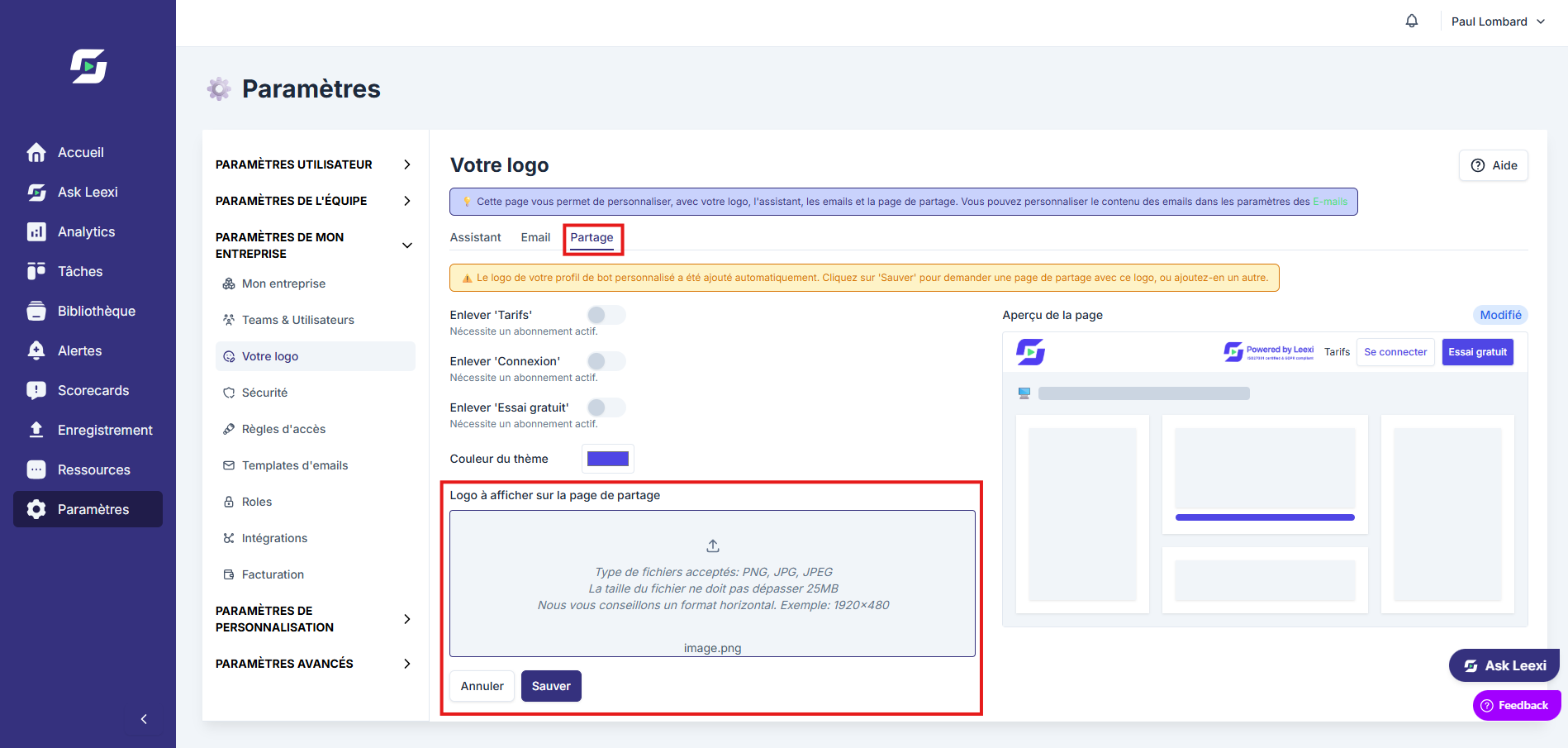
The email tab of Settings > Company > My logo shows a preview of your team's template with your logo. To test the sending, schedule a recorded meeting with a reminder enabled in Meeting rules.
Going further
- There is no switch on this page: a reminder is sent if the matching option of the
Meetings covered by the GDPR emailblock is selected in Meeting rules. - The message the assistant writes in the chat when joining the meeting is the
Disclaimer messageof the My logo page, not an email template. - Templates should stay simple, clear and easily identifiable by recipients.
Frequently asked questions
Meetings covered by the GDPR email block on the Meeting rules page, for yourself, your team or the company.Things to watch out for
- Avoid messages that are too long or ambiguous in automated emails.
- Changing the language in the edit window replaces your text with that language's default text.
- Keep a logic consistent with the assistant's overall branding.