

Business
AI Reports
Generate recurring summaries from a library view and distribute them automatically.
Definition: AI Reports turn a set of calls selected via a saved search into periodic summaries that can be shared with your teams.
Feature video
No video is available at this time.
Who is this for?
- Managers who want recurring summaries without manually reviewing every call.
- Operations teams distributing scheduled reporting to multiple recipients.
Permissions and licenses
- Requires: Business
- Available from the Business plan.
- Creating them depends on report template management rights.
- They rely on a usable saved search or library view.
How to use it
Build the report source
First prepare a view or saved search that represents the right scope of calls.
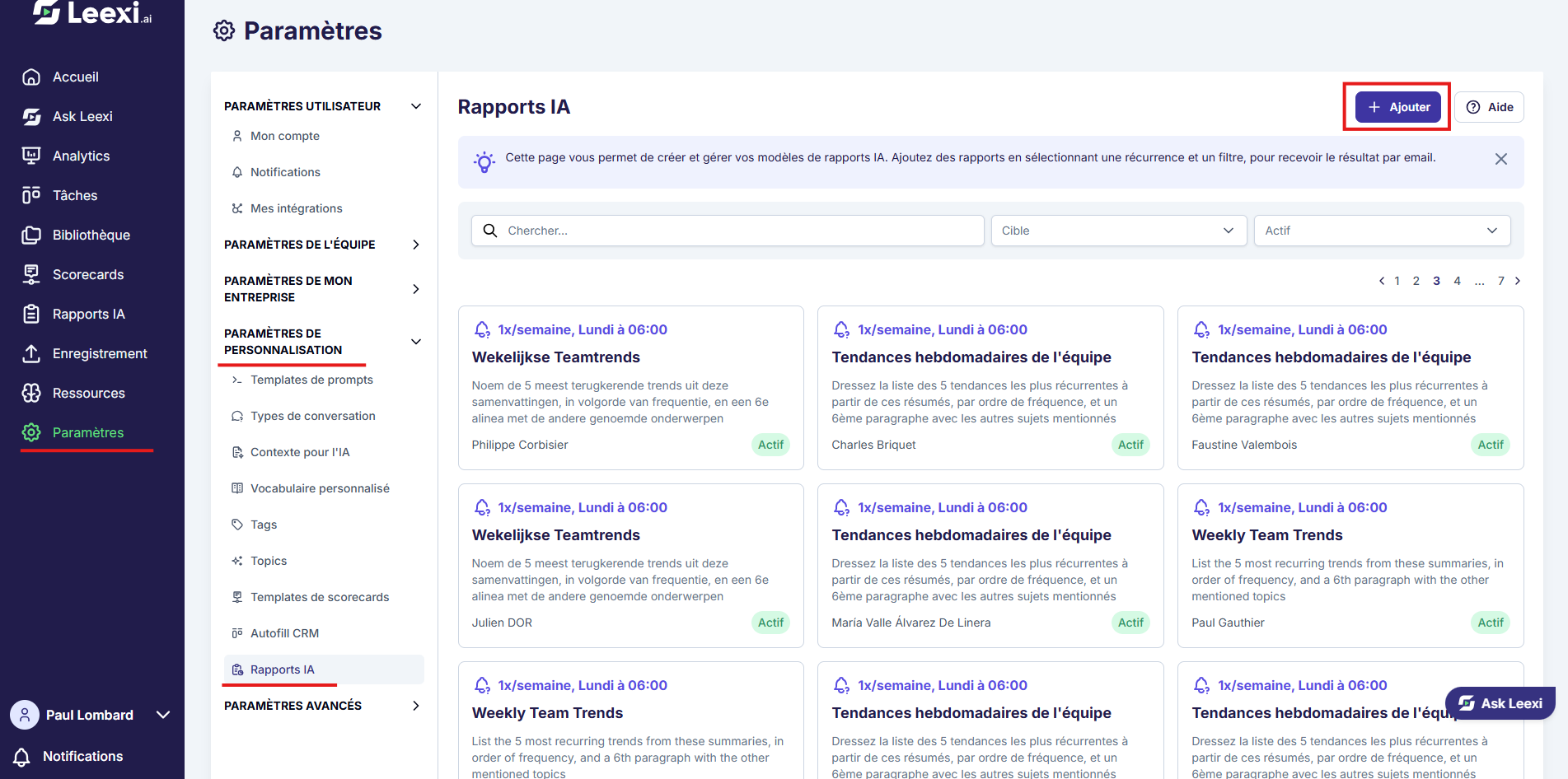
Open AI Reports
Go to Settings > Leexi Report > AI Reports to create a new template.
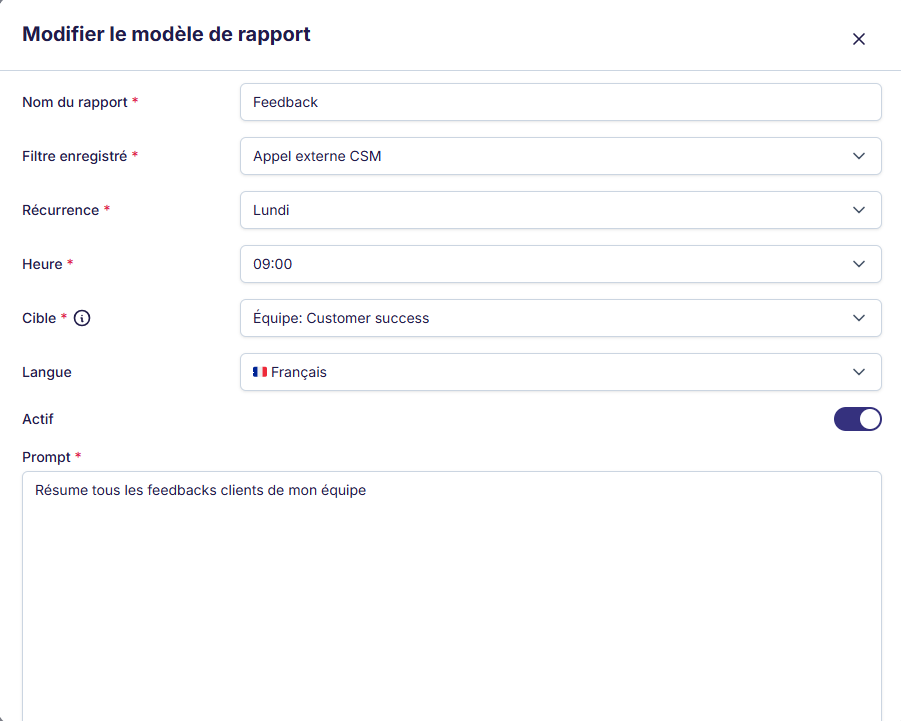
Define the content and frequency
The form has two steps.
Configure report:
- Name of the report
- Recurrence: one or more days of the week
- Time the email is sent
- AI completion on which to base the AI report: the call summary by default; if you choose another completion, only the calls that have it are included
- Report recipients: company, teams, or users
- Language of the report
- Instructions: AI instruction to highlight certain information
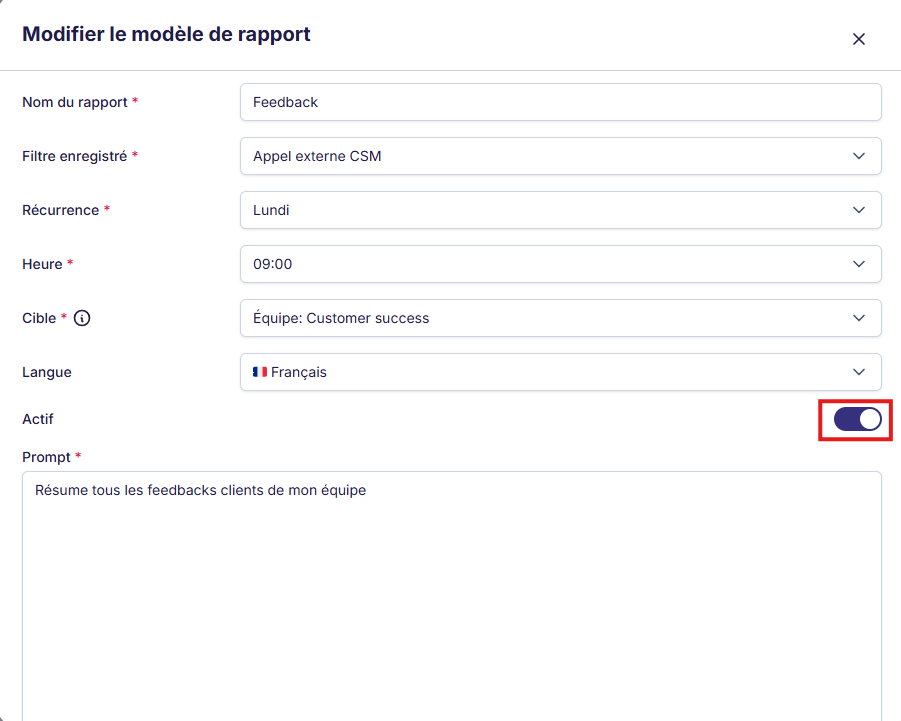
- Active: report enabled or disabled
Select data: choose an existing saved filter or create a new one directly from the form. If the filter contains snippets, only the calls are taken into account.
Review, then launch
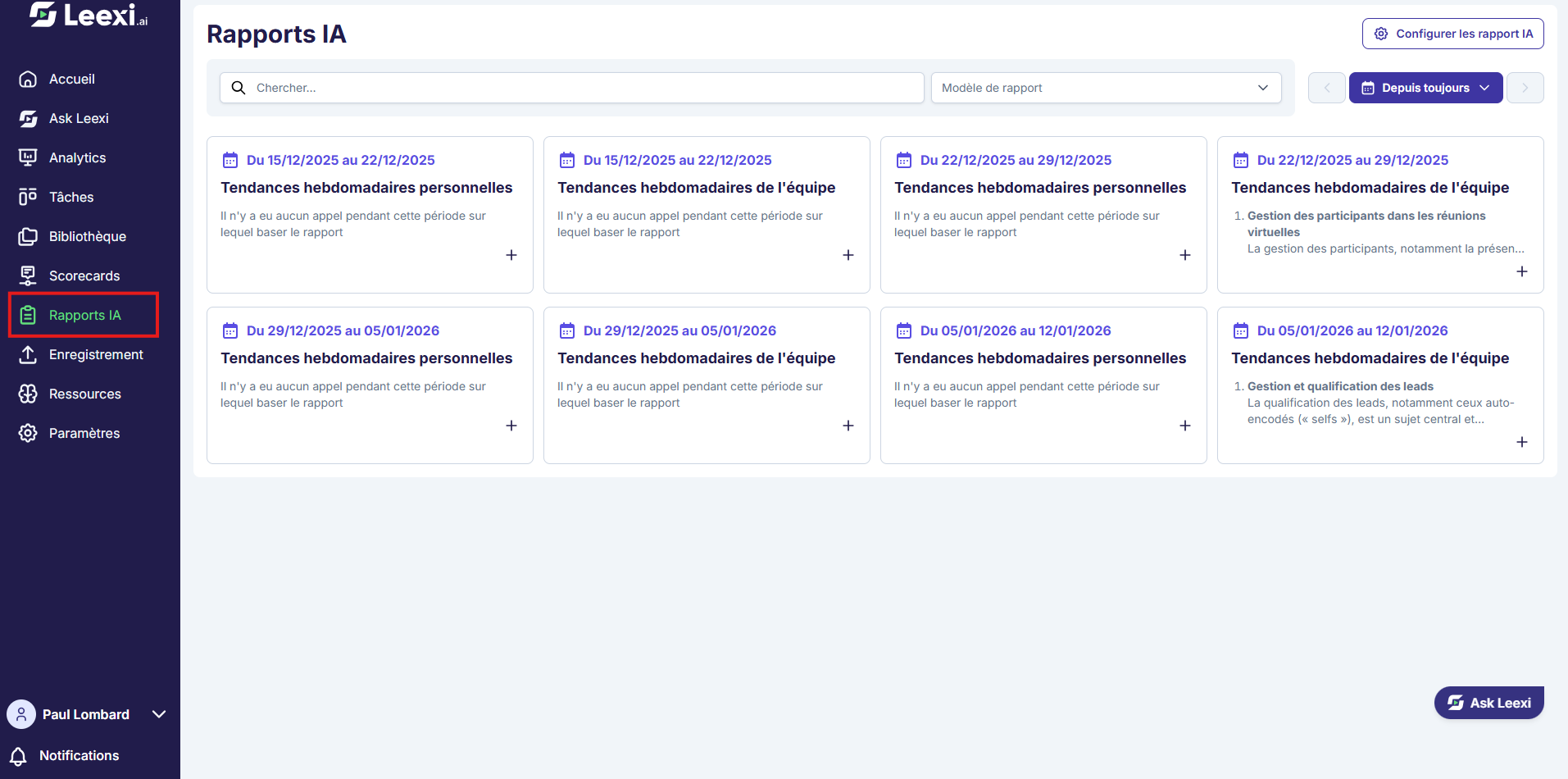
Check the report's relevance before enabling its recurring operation.
Going further
- AI Reports are useful for team reviews, tracking recurring themes, or distributing insights.
- Their quality depends directly on the source filter and the writing instruction.
- They can target users, teams, or a broader scope depending on the configuration.
Frequently asked questions
You need at least a usable scope of calls, generally provided by a saved search.
Yes, once the template is activated with a valid schedule.
Things to watch out for
- A poorly built source filter produces a noisy report.
- Check recipients before enabling a recurring send.
- Review the first version before wide distribution.
- The AI report is based on the AI completion chosen in the template (the call summary by default). It doesn't take the transcript into account.
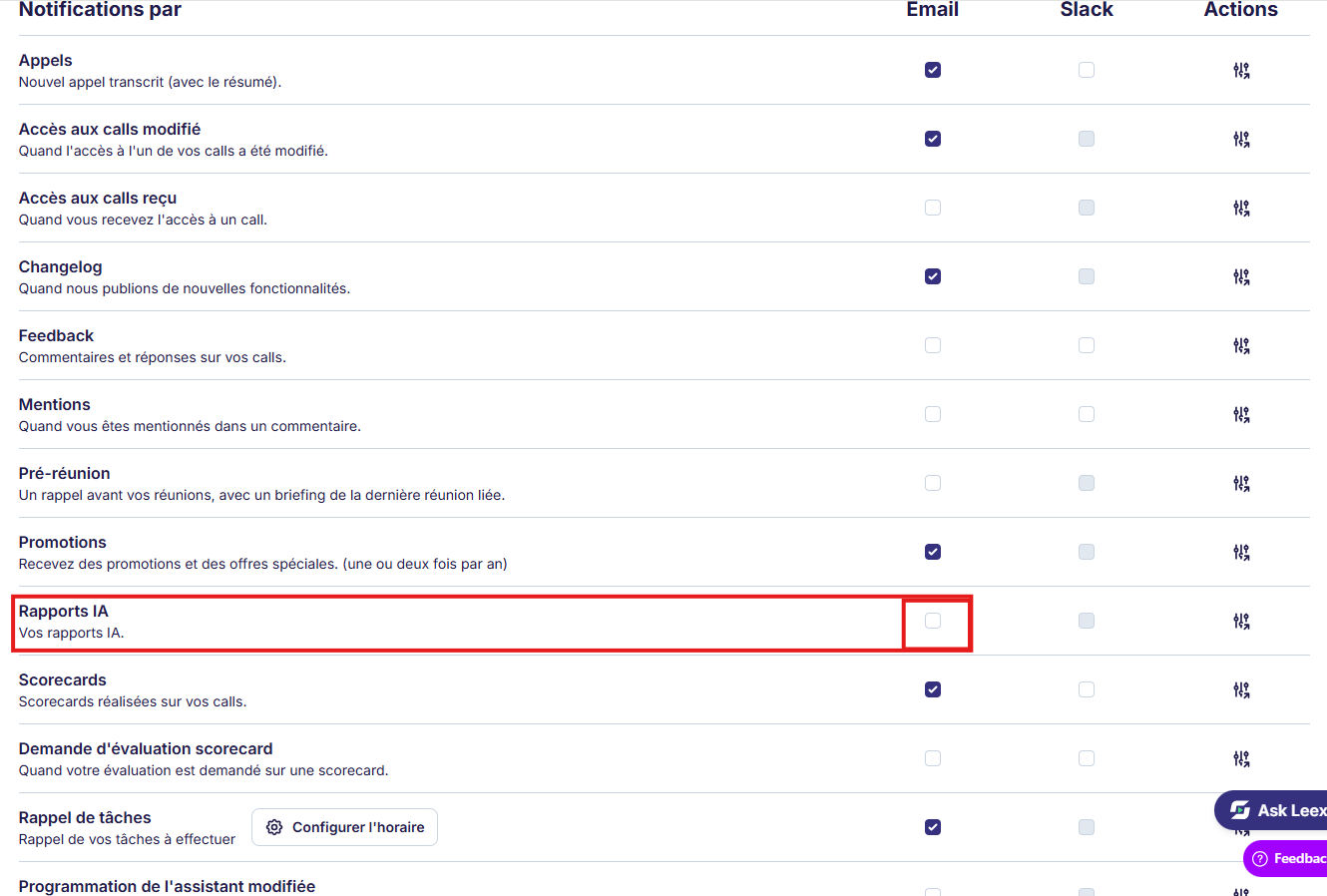
- If you don't receive the report or the email, check that the report is active in
Settings > Leexi Report > AI Reportsand that AI Reports are enabled in your notifications.