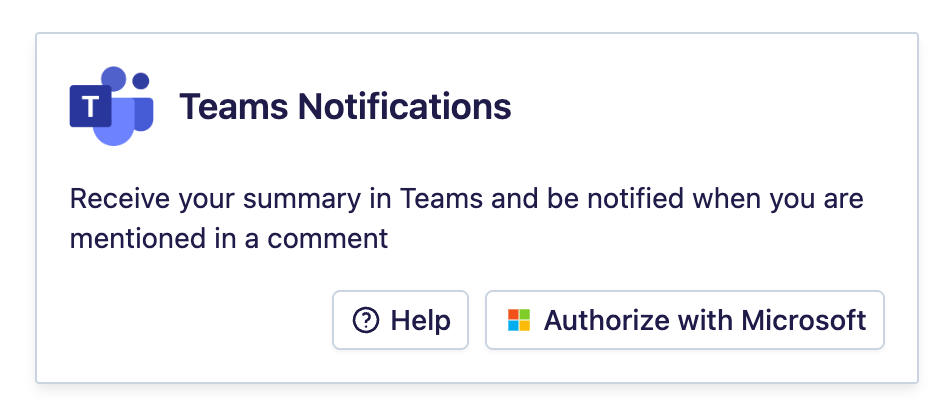
Teams Notifications
Who is this for?
- Users who want to receive their Leexi notifications in Microsoft Teams.
Permissions and licenses
- The Leexi AI app must be available in version 1.3.0 or later in your organization's Teams: a Teams administrator installs or updates it (see the first step of the guide).
- Estimated setup time: about 2 minutes.
How to use it
Install or update Leexi AI to version 1.3.0 (administrator)
Notifications are sent by the Leexi AI app starting from version 1.3.0. If your organization does not have Leexi AI yet, or uses an earlier version, a Teams administrator must install this version first.
Go to https://admin.teams.microsoft.com, then navigate to Teams apps > Manage apps:
- if Leexi AI is already there, search for "Leexi AI", click its name, then the Upload file button (at the top, under "New version");
- otherwise, open the Actions dropdown in the top right and click Upload new app.
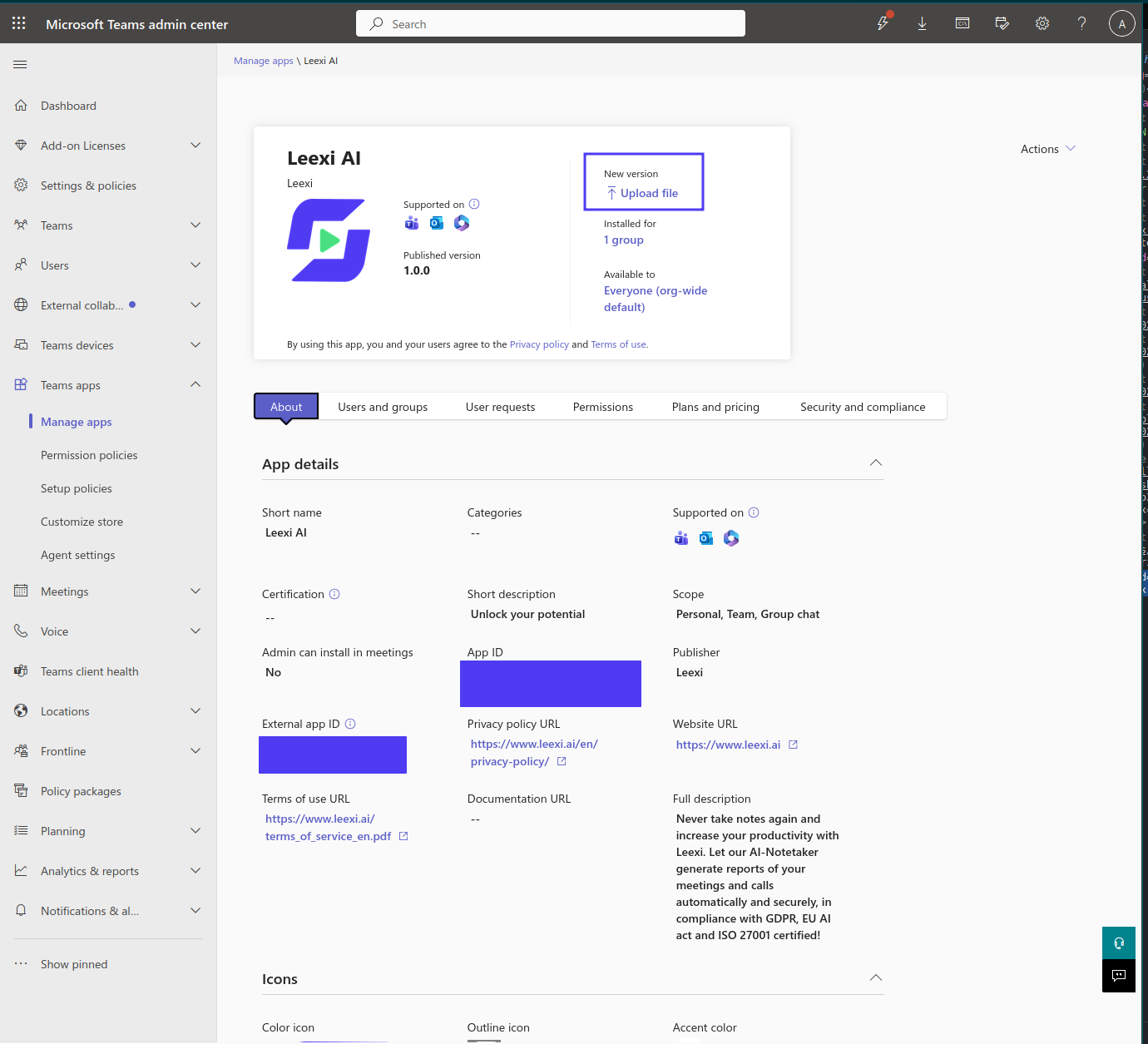
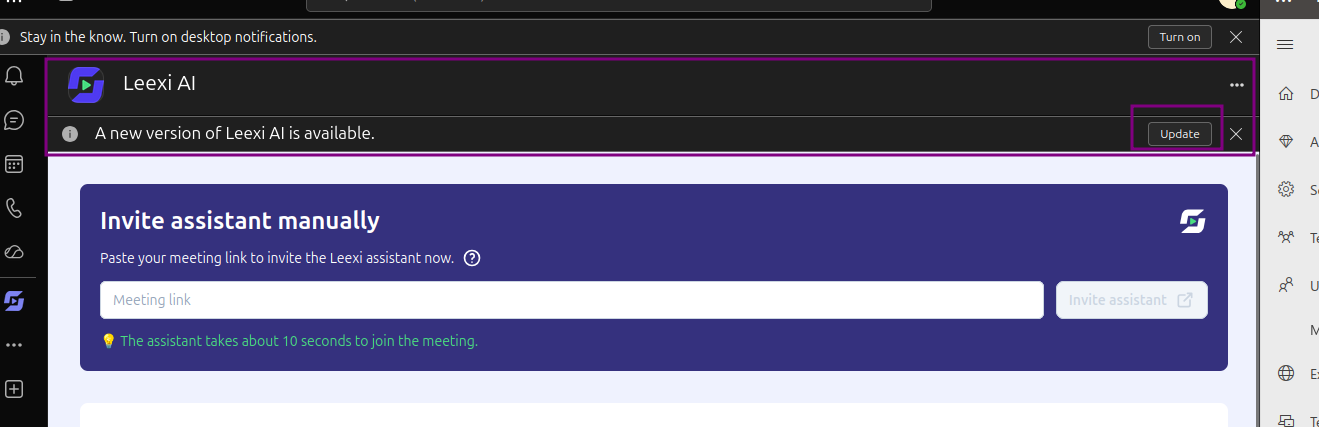
Select the Leexi AI.zip file, then reload the page: the published version changes to 1.3.0. The update takes some time to propagate to the users in your organization. Those who already had the app see a banner indicating that an updated version is available: they click "Update", then "Update now".
The full guide (admin consent, installing for all users, pinning) is on the Leexi in Teams page.
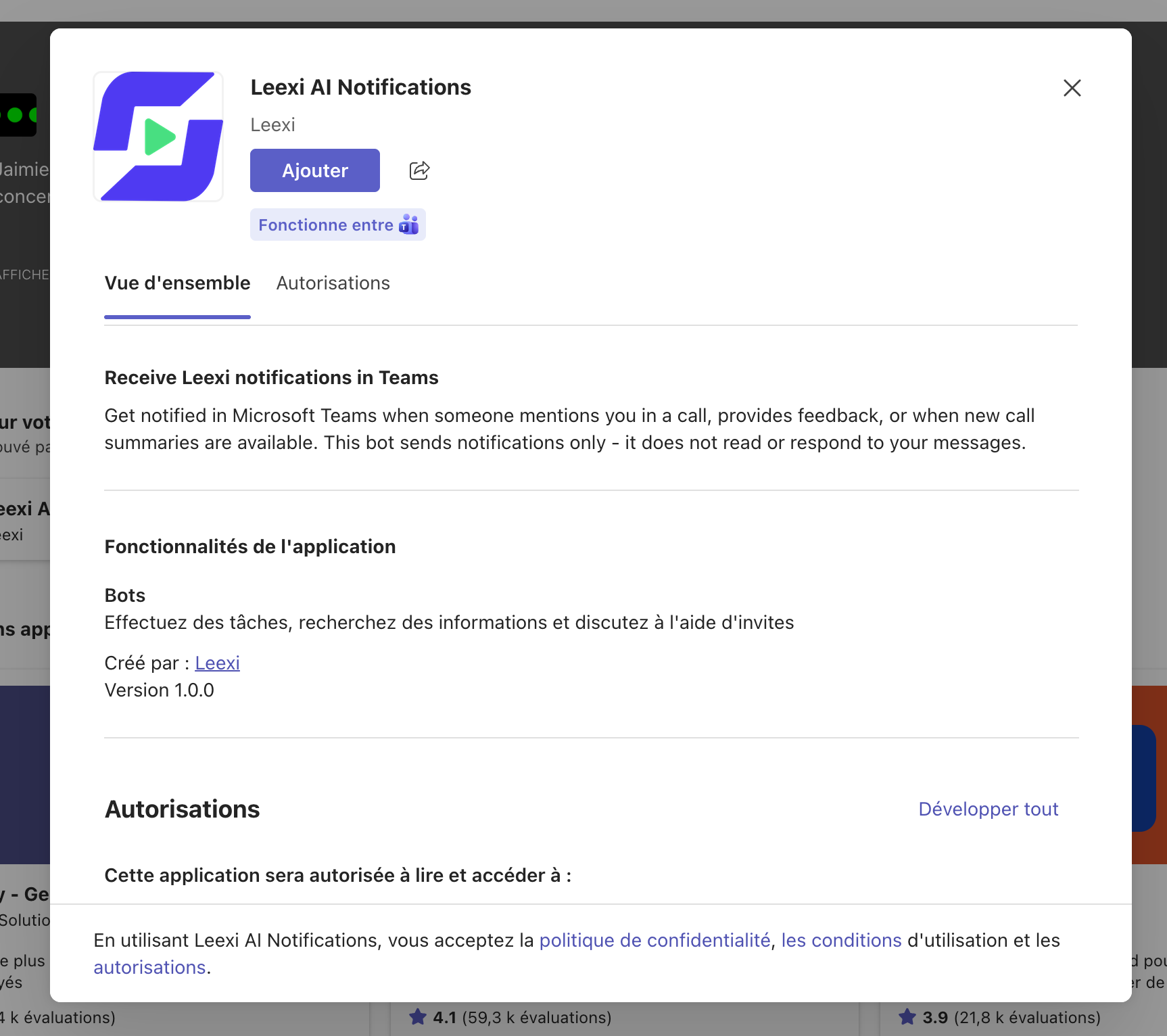
Add the Leexi AI app in Teams
Before enabling the integration, open the Leexi AI app once in Teams from the + icon of the app bar > Built for your org. As long as the app is not installed for you, Leexi refuses the activation and reminds you of these steps.
Enable the Teams Notifications integration
From Settings > My integrations in Leexi, enable the Teams Notifications integration and complete the Microsoft authentication. Only users who enable it receive notifications, even when the app is deployed to the whole organization.
Confirm you receive notifications
A welcome message from Leexi AI appears in the Chat tab of the Leexi AI app, then your Leexi call notifications arrive there.
Frequently asked questions
+ icon of the app bar. If it does not show up, or has no Chat tab, ask your Teams administrator to deploy version 1.3.0 or later (see the first step of the guide). If you uninstalled the app, install it again: notifications resume without activating the integration again in Leexi.Your Microsoft administrator needs to perform the following steps:
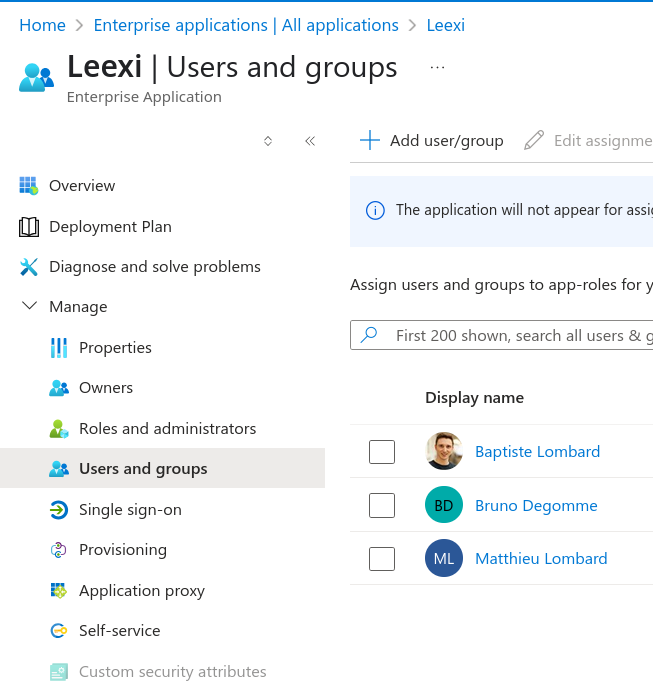
- sign in to the Azure portal;
- go to Enterprise Applications and select the Leexi application;
- under Manage → Properties, make sure Assignment required? is set to No.
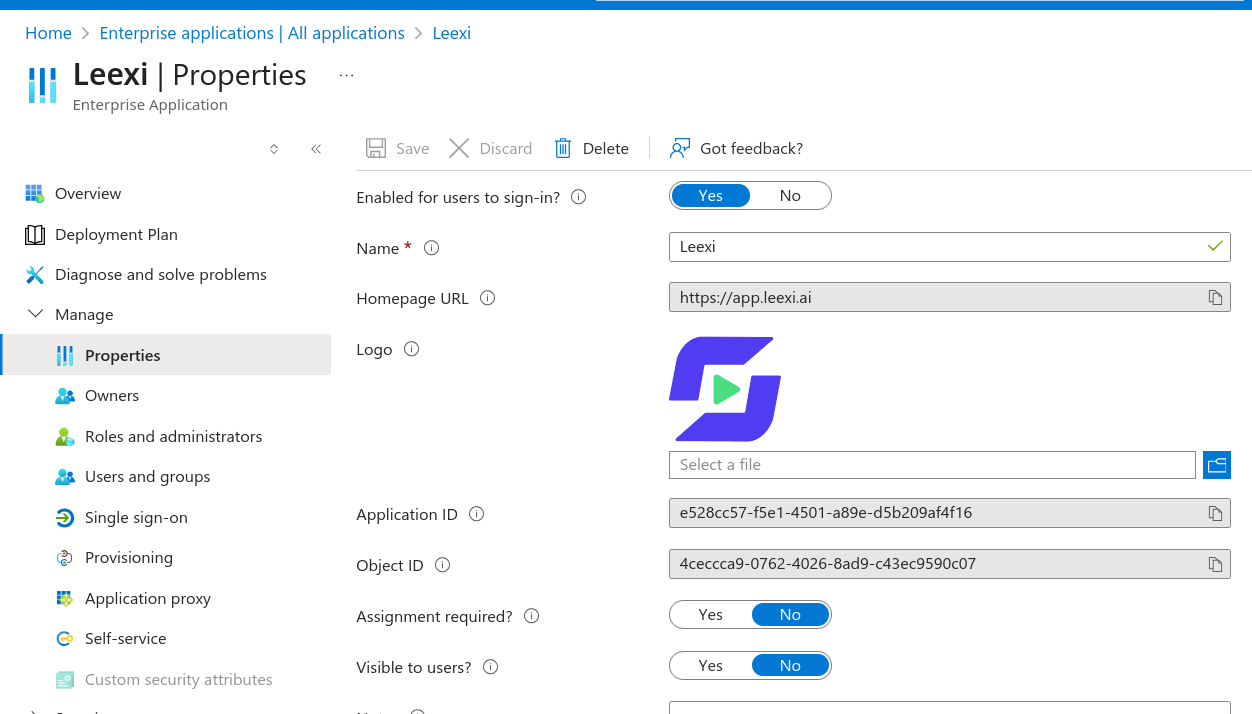
Another option: under Users and groups, add the relevant user.